

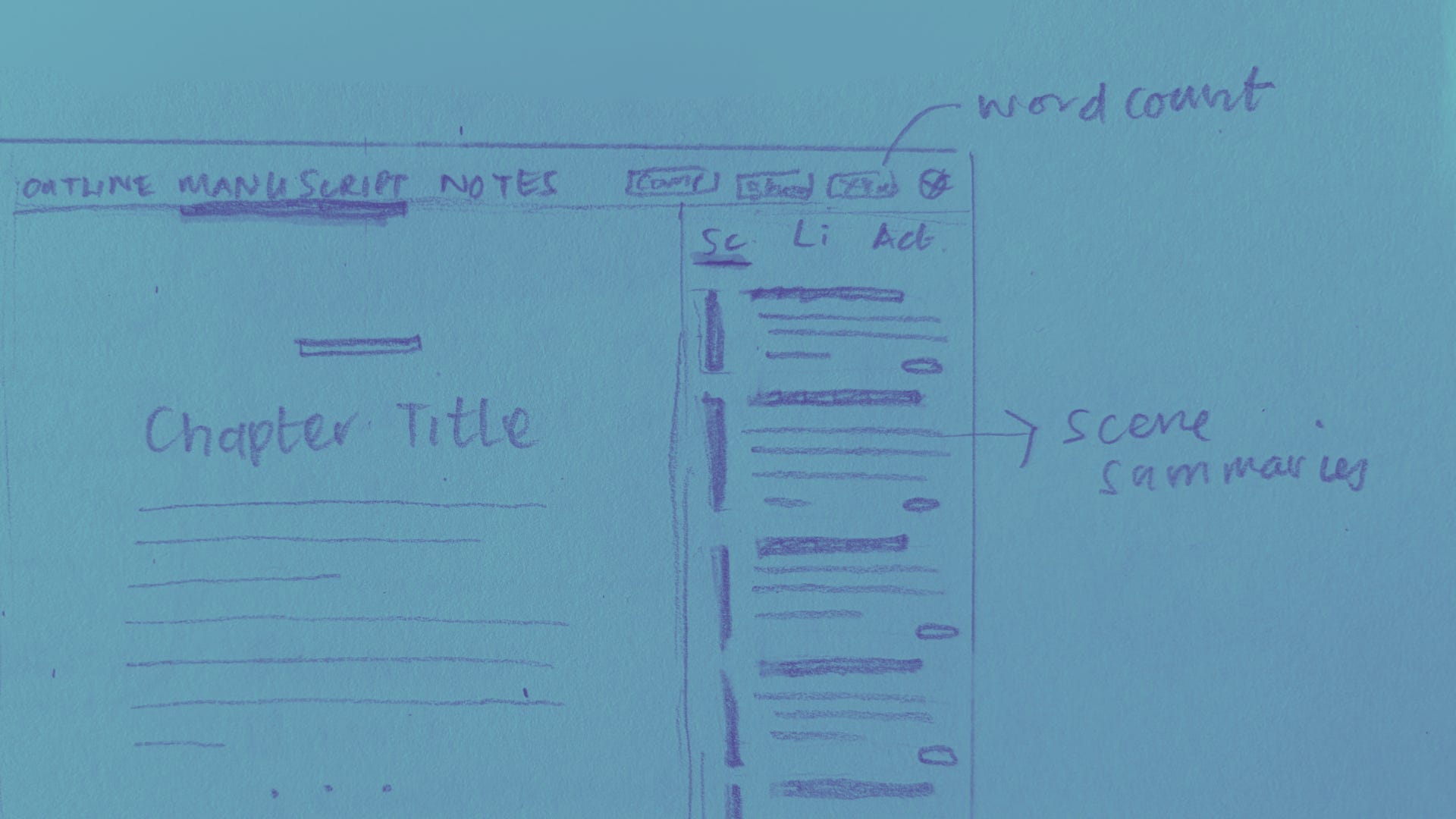
This is part of a series where I deep-dive into my favourite First Draft Pro features and how they were designed, because I love understanding the story behind a thing, and you might too! If you’d like to give your own feedback on this or any other feature (I love feedback, especially yours) you can do that here.
I’ve already written about the design of the outlining features in First Draft Pro, but another of my big faves is a feature that acts kind of like a bridge between the outline and the manuscript.
Early on in my own writing journey I realised that the map I’d created of where the novel was going, was only helpful if I could actually see it while I was writing. The outline in First Draft Pro gave me two ways to plan and plot the novel, but I didn’t want to keep switching from one tab to another to see where I was going next, or have to scroll up and read entire chapters over again to see where I’d been.
I wanted to be able to see both at the same time. I wanted everything on the same page. As the Rolling Stones taught us, you don’t always get what you want. But you know what? Sometimes you do!
Core design concepts
Design is about form and function, and research is super important! These concepts shaped my approach to designing an outline that is visible while you’re writing:
A visible outline reduces cognitive overload, by creating an external source that doesn’t have to stay in your head.
Reducing cognitive load is also easier if you have a way to do cognitive offloading (ie: a place to dump ideas rather than having to remember it). Both notes and the outline actually help with this!
Capturing ideas on the outline also helps our brains close open loops, which helps free up brain space for what we want to actually work on.
The evolution of the outline in the manuscript
The first version of the outline was just three scenes: your current scene, the last scene you wrote, and the one coming up next.
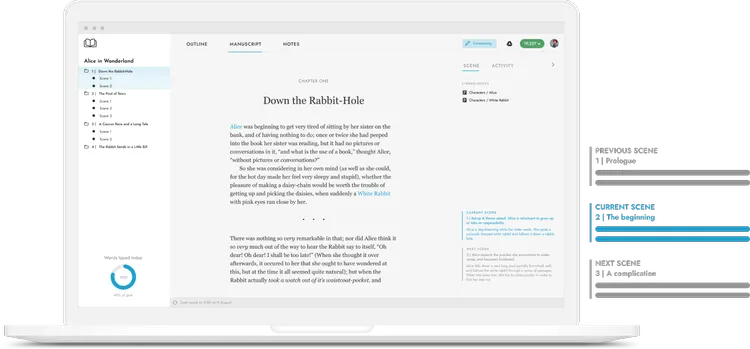
Initially, I wanted to keep it really focused to just those three, but quickly realised that writers wanted to see the whole outline at one time. So, it was back to the drawing board/page:
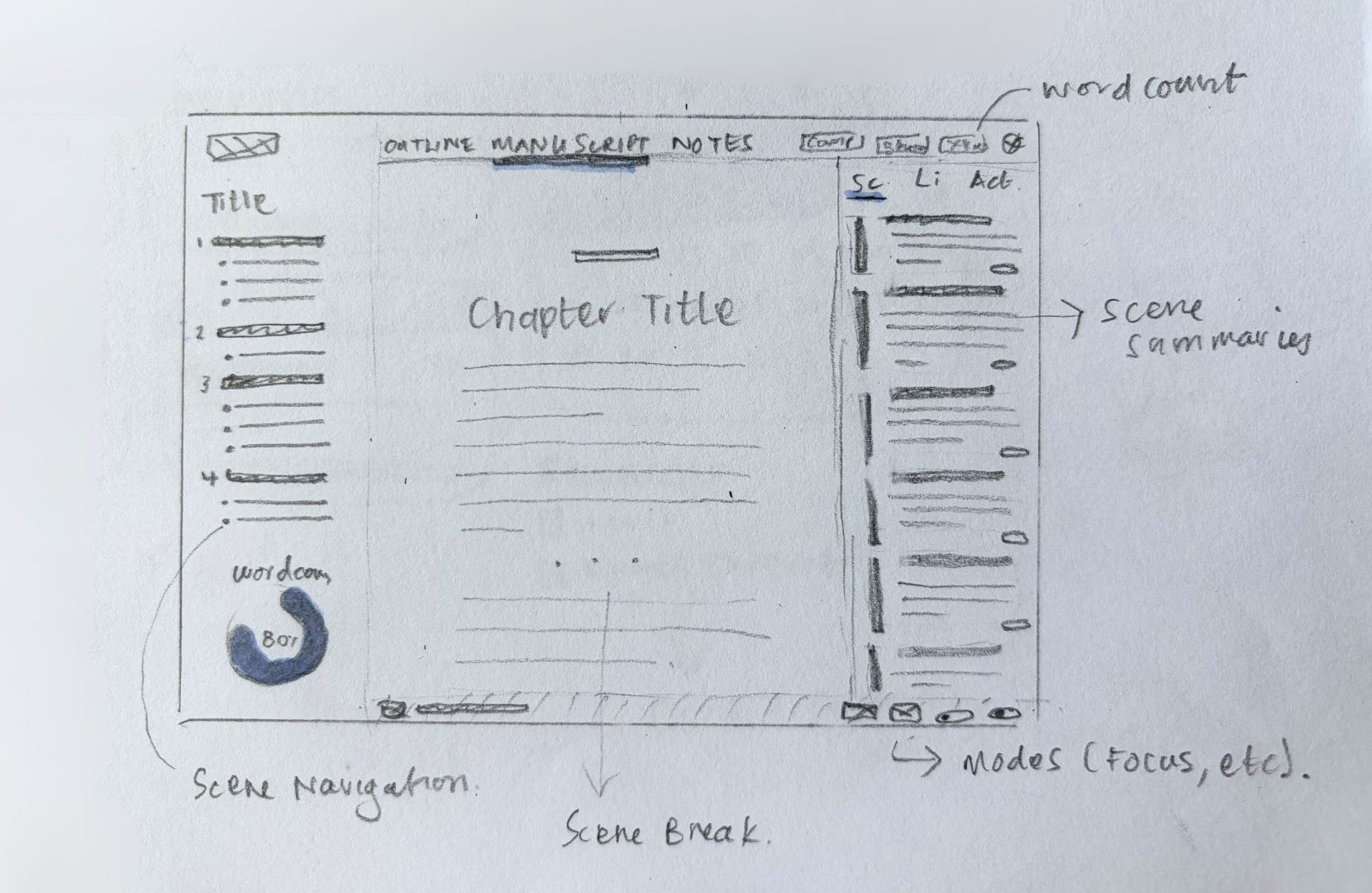
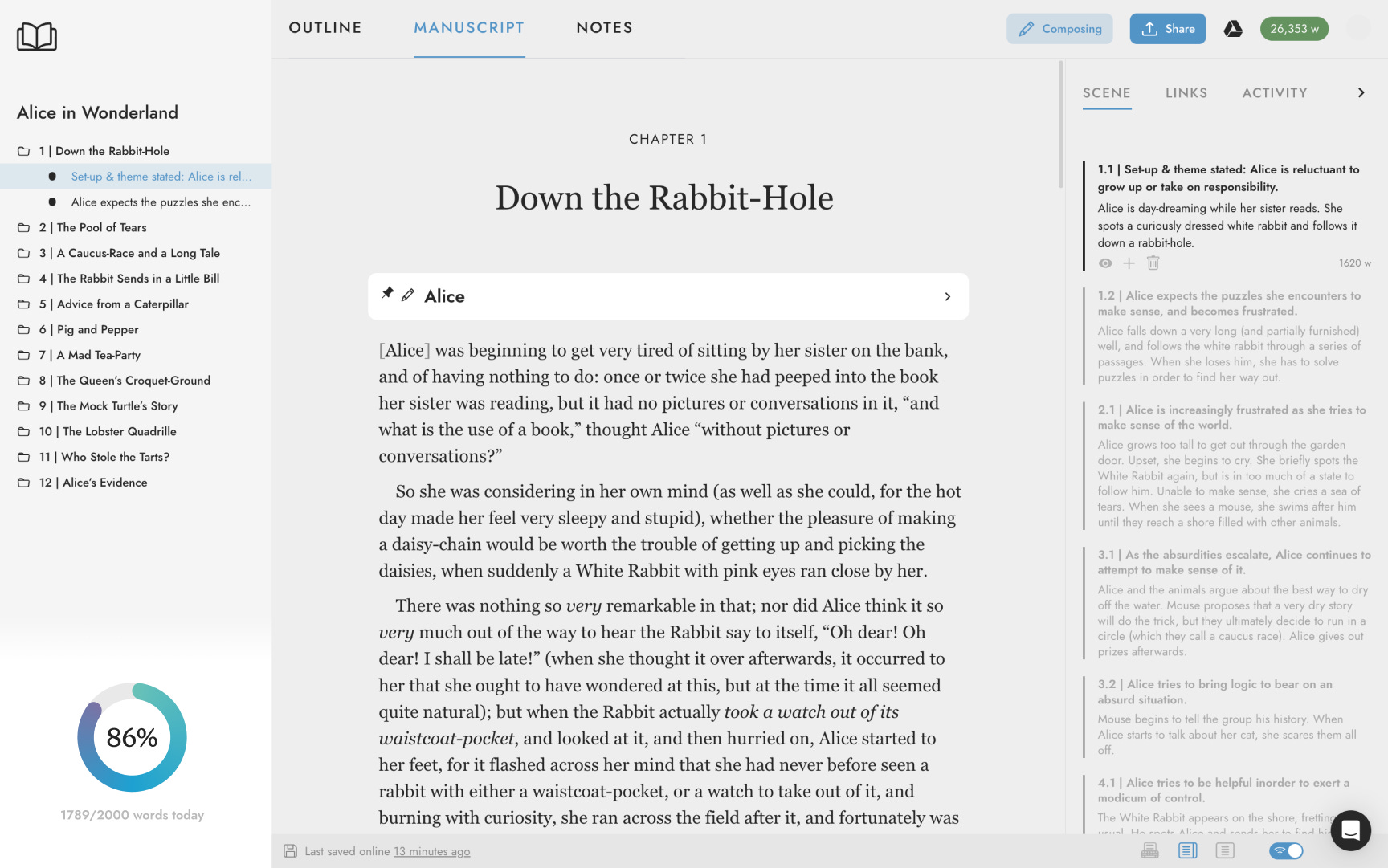
Planners vs Pantsers
It was really important to me that First Draft Pro suit writers who love to outline everything in advance, as well as discovery writers who want to figure it out with just enough structure as they go.
If you’re a planner, use the outlining tool to jot down each scene in the order you imagine your plot unfolding. When you’re done, you’ll have a neat overview of each chapter and the scenes within them, that you can write against (like cues).
If you prefer your plot to take shape organically, First Draft Pro doesn’t impose a particular way of working. Jump right into manuscript mode to start writing. If a thought occurs to you about a current or upcoming scene, simply add them as you go. These notes are automatically added to your outline view so that you can drag and drop scenes later when refining your structure.
🖤 To reward you for getting to the end of my big nerd out :) here’s a discount code for 30% off any First Draft Pro subscription for 12 months: DESIGNDEEPDIVES